
MCP explained for people who do not write code
Model Context Protocol is a standard way for an agent to discover and call tools. It is plumbing, and like plumbing it matters most when it is missing. Here is what it changes, in both directions.
- 1MCP is a standard way for an agent to find and call tools.
- 2The tool describes itself, so the agent needs no prior knowledge of it.
- 3It fixes none of the usual problems: bad data, wrong answers, wide permissions.
The job is a Friday one: “find every support ticket that mentions the Acme renewal and write me a summary in the shared doc”. The tickets live in a helpdesk nobody on your team built, behind a login, with a search box that only takes one word at a time.
Every agent eventually needs to touch something outside itself: a database, a ticketing system, a filesystem, a browser. Before a standard existed, each of those was a bespoke integration, written for one agent, broken by the next version.
The useful analogy
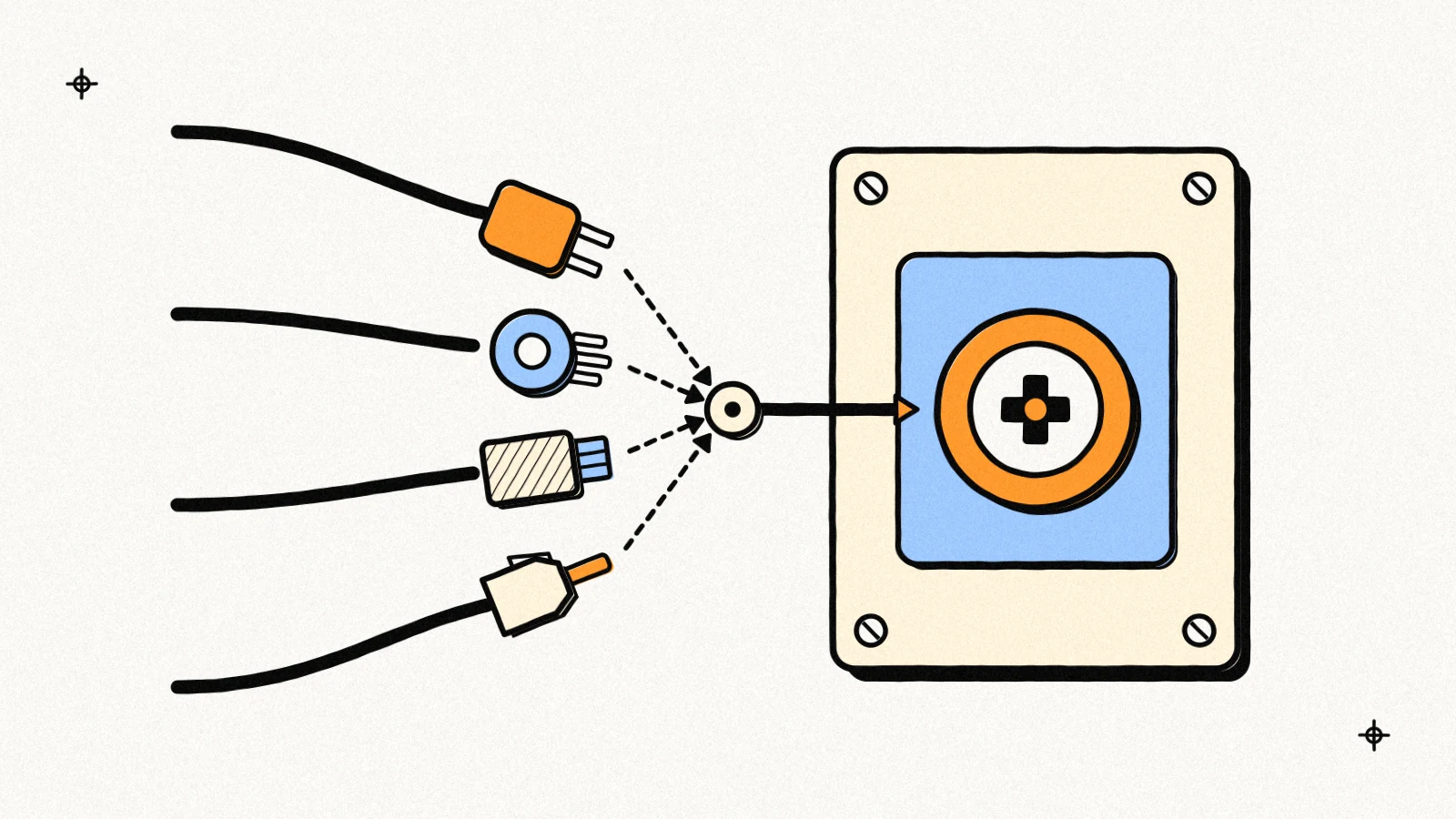
Think of USB. Before it, every device had its own port and its own driver. After it, a device declares what it is and the computer uses it. MCP does that for tools. The helpdesk vendor, or someone in your team, runs a small server that declares “I can list tickets, search them, read one, and post a comment”. The agent reads that list and uses the capabilities without anyone writing glue code for this particular agent.
Two directions, and why both matter
Most tools describe MCP one way: the agent uses other people’s servers. The ticket search is that direction. The other direction is at least as interesting.
- As a client: Saturday can use MCP servers you already run, so a tool written for another editor works here.
- As a server: Saturday can expose its own tools over MCP, so another agent or an IDE can hand it a desktop job.
- Both at once: a Saturday job can call an MCP server, and another agent can call Saturday, in the same workflow.
Saturday also exposes an OpenAI-compatible endpoint and speaks A2A for agent-to-agent work. These are not competing ideas; they are different-shaped holes for different-shaped integrations.
What MCP does not solve
A standard makes tools discoverable, not trustworthy. It says nothing about whether a tool is safe to call, what it will do with your data, or whether its output is correct. Those remain the agent’s and the operator’s problem.
The ticket server is the honest example. It needs your helpdesk login to search, so its key sits on your machine. It has a way to close a ticket as well as read one, because a helpdesk has both. Nothing in the protocol says the agent should only use the first. That decision belongs to the person who installed it and to the software that gates it.
That is why permissions sit above the protocol. A tool declaring “close ticket” is a capability, not an authorisation. Saturday treats consequential calls as gates regardless of how the tool was discovered, so the Friday summary can read forty tickets and still cannot close one without being asked.
A practical checklist before you add a server
- Who wrote it, and is the source readable?
- What keys and permissions does it need, and where are they stored?
- Which actions are read-only, and which write?
- What happens when it fails mid-job: does the agent know, or does it invent a result?
- Is it needed at all, or does a built-in tool already cover the job?
The last question is the one people skip. Every added server is another surface with your keys and another way for a run to fail in a way you did not plan for.
And where it breaks is worth naming. If nobody runs a ticket server, the honest fallback is the browser: open the helpdesk, type into the search box, read the page. That works on Monday and stops working when the vendor changes the layout or the session expires mid-job. MCP does not make the ticket search clever. It makes the way the agent reaches the tickets stable enough to depend on.
Questions people ask
What is MCP?
Model Context Protocol is an open standard for connecting an AI agent to tools and data. A server declares what it can do; an agent discovers those capabilities and calls them. It replaces per-tool custom integration code.
Does Saturday support MCP?
Yes, in both directions. Saturday is an MCP client, so it can use MCP servers you already run, and an MCP server, so other agents and editors can call Saturday’s tools.
Do I need MCP to use Saturday?
No. Saturday ships 72 built-in tools in a default install, for files, shell, browser, office apps and media. `saturday tools` prints the count (73 with `tool_schema`), and MCP adds tools that someone else wrote.
Try Saturday on your own machine
Free during the beta · 72 built-in tools · 22 providers (19 cloud, 3 local) · no account needed.