
How to audit an AI agent: from chat logs to hash chains
A chat transcript tells you what the model said. It does not tell you what the program did. This post separates the two, and shows what a verifiable record has to contain to be worth anything after an incident.
- 1A transcript says what the model said, not what the machine did.
- 2Each entry needs what ran, on what, under which rule, and when.
- 3A hash chain makes a quiet edit detectable later.
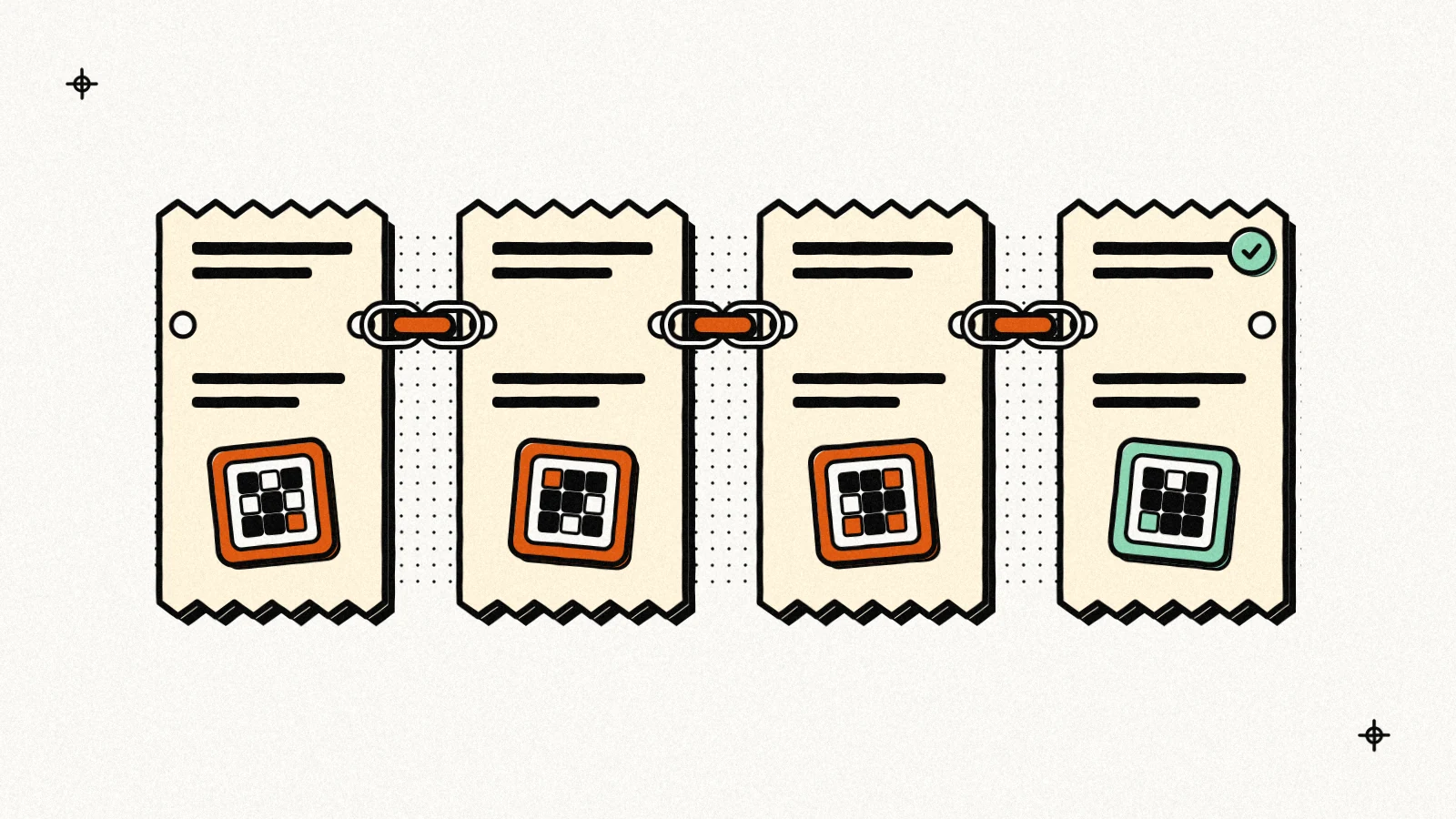
When an agent runs on a real computer, the interesting question is never "what did it say". It is "what did it do". Those are different records, kept by different parts of the system, and most agent products only ship the first.
Why a transcript is not an audit log
A transcript is the model’s side of the conversation. It may say "I have updated the spreadsheet" while the write failed, or say nothing while a retry wrote the same row twice. The transcript describes intent; the tool layer produces effects.
An audit log has to be written by the component that acts, not the one that talks. That is the whole design constraint.
The five fields an entry needs
| Field | Why it exists |
|---|---|
| Action and arguments | What was called, with the exact path, cell range or command |
| Target | Which file, window, account or endpoint the action reached |
| Decision | Approved, denied or automatic, and by which rule |
| Result | Success, failure, or partial, with the error when there is one |
| Chain link | A hash over this entry plus the previous one |
With those five, a reviewer can reconstruct a run without trusting the model’s narration. Without them, "the agent did X" is a story.
Why a hash chain, and not a signed file
A signature proves who wrote a document. It does not prove the document was not rewritten and re-signed by the same key. A hash chain changes the arithmetic of tampering: each entry commits to everything before it, so an edit in the middle invalidates the tail.
Saturday builds the chain with RFC 8785 canonical JSON, so the same content always serialises to the same bytes across languages, and HMAC-SHA256 over each entry. Optional Ed25519 signing wraps the chain in a proof bundle that a third party can check offline with only the public key.
Refusals matter as much as actions
A good record includes the things the agent did not do. If it proposed archiving nineteen threads and the operator declined, that refusal is evidence the gate worked. Systems that log only successful actions cannot show their limits in operation.
The questions an auditor will actually ask
- Which files and records were read, and under what authority?
- Which were changed, by which job, and who approved the change?
- Was anything sent outside the machine, and to which endpoint?
- Can the record be reproduced and verified without the original tool?
- What was blocked, and on what rule?
If your agent cannot answer those from its own record, the gap is not a documentation problem. It is a design problem, and no amount of logging bolted on afterwards fixes the missing approval.
A reasonable minimum for a team
Enable the log by default. Keep it local. Export a bundle per job, not per month, so evidence travels with the work. Check one bundle by hand before you rely on the tooling, because a verification path nobody has tested is a promise rather than a control.
Questions people ask
What should an AI agent audit log contain?
Each action with its target, arguments, the approval decision, the result and a timestamp, chained so that altering an entry breaks verification. A chat transcript alone is not an audit log because it omits tool calls and their effects.
What is a hash-chained log?
A log where each entry includes a cryptographic hash of the previous entry. Editing any earlier entry changes every hash after it, so verification fails and a copy held elsewhere disagrees.
Can I verify Saturday’s log offline?
Yes. The log uses RFC 8785 canonical JSON with HMAC-SHA256, and optional Ed25519 signing produces a proof bundle that verifies offline using only the public key.
Try Saturday on your own machine
Free during the beta · 72 built-in tools · 22 providers (19 cloud, 3 local) · no account needed.