
Ending Mouse Theft: Background Computer Use and Ghost Display
Cloud vision agents hijack your mouse, lock your screen, and stream every frame to remote servers. Here is how Saturday operates real desktop apps in the background while you keep working.
- 1Most desktop agents take your mouse and lock your screen.
- 2Saturday runs the job in its own session, with its own cursor.
- 3You keep working while it clicks through a spreadsheet.
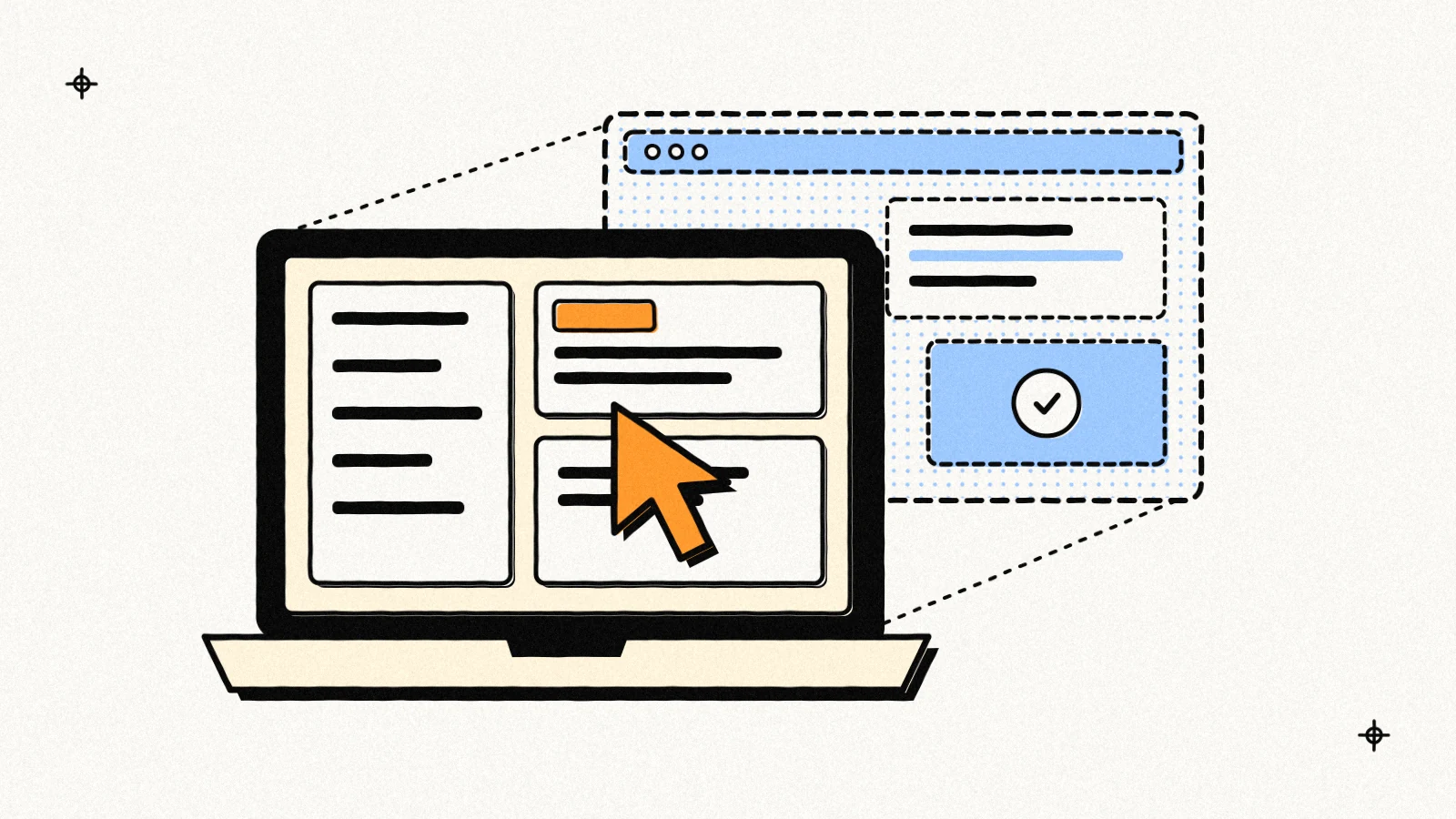
Most computer-use agents follow a brittle cloud vision loop. They take a full-screen screenshot at 1-2 Hz and upload your whole desktop to a cloud VLM, including open Slack DMs and email. The model predicts pixel coordinates, and the agent moves your physical mouse pointer. If you touch the trackpad, the run breaks. If a notification pops up, the click lands on the wrong window.
Layer 1: Semantic background actuation (no cursor, no focus steal)
Whenever an app exposes an accessibility tree, Saturday does not touch your mouse at all. In background mode, set with --background or desktop_background_only: true, apps launch minimised. Saturday then interacts through native UI Automation patterns: Windows UIA InvokePattern, or macOS AXUIElement. Your foreground window handle stays identical while Saturday drives Excel, Calculator or Notepad behind the scenes.
Layer 2: Ghost Display for GPU, Electron, and legacy apps
Semantic accessibility stops at custom GPU canvases, CAD software, WebGL and legacy ERPs. Ghost Display closes that gap. It hosts the target window offscreen, using PW_RENDERFULLCONTENT capture and virtual monitor placement on Windows, CoreGraphics and AppleScript on macOS, Xvfb on Linux. It then streams a live picture-in-picture preview inside Saturday.
- Windows parked offscreen never appear on your primary screen and are automatically restored to their original coordinates when a session stops.
- Interactive WebUI takeover lets you step in for 2FA, CAPTCHAs, or a sensitive confirmation, then hand control back immediately.
- Every desktop action runs through an in-process perception and pixel-diff verification loop (60x faster than out-of-process capture: 594.6 ms -> 9.9 ms p50) with an automatic loop breaker.
Teach-a-Task: demonstrate once, compile into a reusable skill
Instead of hand-writing brittle desktop prompts, Teach-a-Task records your real workflow semantically. It scrubs sensitive values before anything is persisted to disk. Then it compiles the demonstration into a reusable SKILL.md that a coworker can run later behind your approval rules.
Questions people ask
Does a background agent take over my mouse?
Not in background mode. When an app exposes an accessibility tree, Saturday drives it through native UI Automation without moving your pointer or changing your foreground window.
What about apps with no accessibility tree?
Ghost Display hosts the window offscreen and streams a picture-in-picture preview inside Saturday. It covers GPU canvases, CAD software, WebGL and legacy ERPs.
Is my screen sent to a cloud model?
No. The perception and pixel-diff verification loop runs in-process on your machine. You can also step in through WebUI takeover for 2FA or a CAPTCHA and hand control back when done.
Which operating systems are verified?
Windows background UIA and offscreen Ghost Display are live-verified. macOS has AXUIElement and Apple Vision OCR, with a known System Events edge case under active work. Linux has Xvfb and partial AT-SPI support.
Try Saturday on your own machine
Free during the beta · 72 built-in tools · 22 providers (19 cloud, 3 local) · no account needed.