
What is a computer-use agent, and why background mode changes the job
A computer-use agent operates a graphical desktop instead of an API. The hard part is not seeing the screen, it is acting without taking the machine hostage. Background mode is the difference between a demo and a tool you can leave running.
- 1It operates the screen instead of an API.
- 2Seeing the screen is easy; not hijacking the machine is the work.
- 3Background mode is what makes it something you leave running.
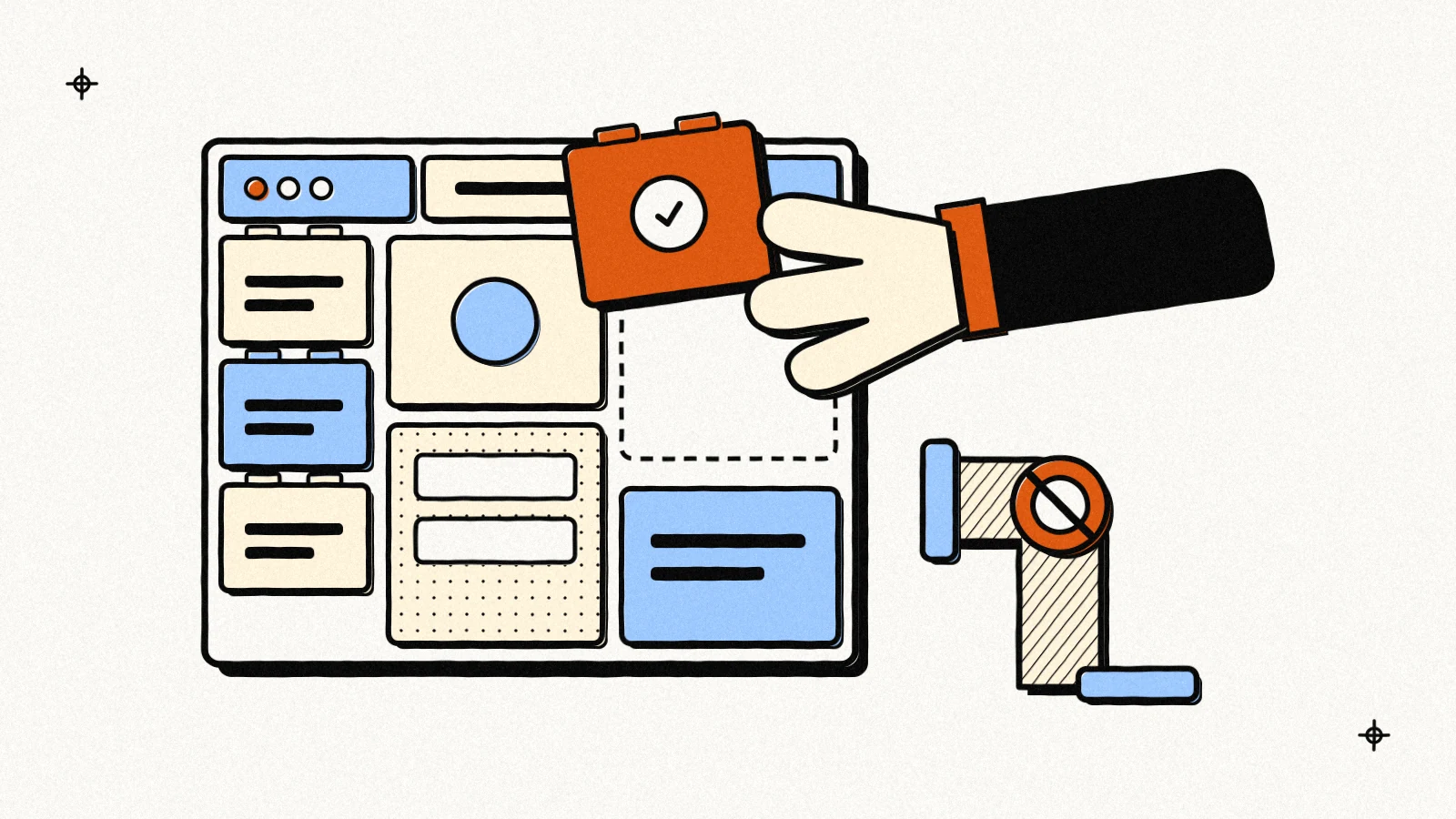
The job is entering one purchase order into the supplier portal. The portal was built in 2011. It has a login, a form, six fields, and a Submit button. The same purchase order has to be entered every Tuesday, and it takes a person four minutes.
Most AI tooling assumes an API. You send a request, you get structured data, you act. That assumption quietly excludes work like this, because the software people use all day often has no API at all: desktop accounting packages, legacy inventory tools, CAD, a supplier portal that was built in 2011.
Three ways an agent can act, tried on the portal
| Interface | How it acts | Where it breaks |
|---|---|---|
| API | Calls a documented endpoint with structured data | No endpoint, changed schema, rate limits, no permission |
| File and shell | Reads and writes files, runs commands | Software that only works through a window |
| Computer use | Drives the graphical interface | Fragile visuals, latency, and the need for real guardrails |
On the purchase order the three lanes read like this. There is no API to call: the portal has no documented endpoint, and the supplier is not going to build one for you. There is no file to write either, because the order exists only inside that form. That leaves the third lane, which is the reason this post exists.
The part demos skip: who owns the machine
A screen-driving agent that takes over the cursor is a demo. It works, and it makes the computer unusable while it runs. On one purchase order that is thirty seconds of annoyance. On a forty-minute reconciliation it is a lost afternoon, and on a scheduled Tuesday-morning routine it is impossible.
Background computer use solves this with a separate virtual display. The agent opens applications there, reads that screen, and sends input to those windows. The user keeps the real display, the real cursor and the real keyboard. Applications can open minimised, so nothing flickers in front of you.
The engineering cost is real: window targeting, focus rules, input routing and a reliable way to confirm that a click landed on the intended control. That work is invisible when it is done well, which is why it is often skipped.
Reading the screen is the easy half
Vision models are good enough to find the Submit button on that portal. The difficult questions are about consequence. Submit is not a draft: once it is pressed the order is with the supplier. So the useful instruction is not “enter the purchase order”. It is “fill in the purchase order on the portal, show me the six fields, and press Submit only after I say yes”, and the software has to enforce the second half of that sentence even when a page tells it otherwise.
A useful design treats every consequential action as a gate. The agent proposes the specific action, names the target and the effect, and waits. On the portal it proposes one click on Submit, with the order number and the six fields it filled. Approval covers that click, not the plan in general, because a plan is a story and a click is a fact.
What to demand from any computer-use agent
- It works without taking your cursor, or it says plainly that it will.
- Every write, send and delete is gated, with the target and effect shown.
- A fixed blocklist applies in every mode and cannot be prompted away.
- Each job is scoped to declared folders, not the whole disk.
- A local log records the action, the approval and the result, in a form that can be verified later.
Saturday implements that list directly: a background display for computer use, approval gates before consequence, a hardline floor of blocked actions, project trust, a per-run dollar cap, and a hash-chained audit log. The point is not that the agent is cautious by temperament. The point is that the caution is enforced by the harness, not requested in a prompt.
Where computer use is the wrong answer
If an API exists and is documented, use it. Screen automation is slower, more expensive in tokens, and more fragile than a typed call. It earns its place only where the alternative is a person doing the same clicks by hand.
And it does break. A redesign moves the Submit button, and the agent that clicked by position now clicks Cancel. The next Monday it says so and stops instead of guessing, which is the behaviour to look for.
Questions people ask
What is a computer-use agent?
A computer-use agent is an AI system that operates a graphical desktop: it reads the screen and controls the mouse, keyboard and applications the way a person does. It is used where software has no usable API.
What is background computer use?
Background computer use drives applications on a separate virtual display so the agent can work while the person keeps using the main screen. Cursor, focus and keyboard input stay with the user.
Is computer use safe?
It is only as safe as its limits. It should run under the user’s own permissions, stop before destructive actions, be scoped to declared folders, and record every action for later verification.
Try Saturday on your own machine
Free during the beta · 72 built-in tools · 22 providers (19 cloud, 3 local) · no account needed.