
Excel automation without macros: an agent that reads the receipt folder
Macros break when the sheet moves, and Power Automate needs an API that desktop accounting apps do not have. A computer-use agent takes the third path: it operates the app the way a person would, and proves what it changed.
- 1Macros break when the sheet moves, and many apps have no API.
- 2A computer-use agent clicks and types the way a person would.
- 3Each change lands in a receipt you can check against the bank.
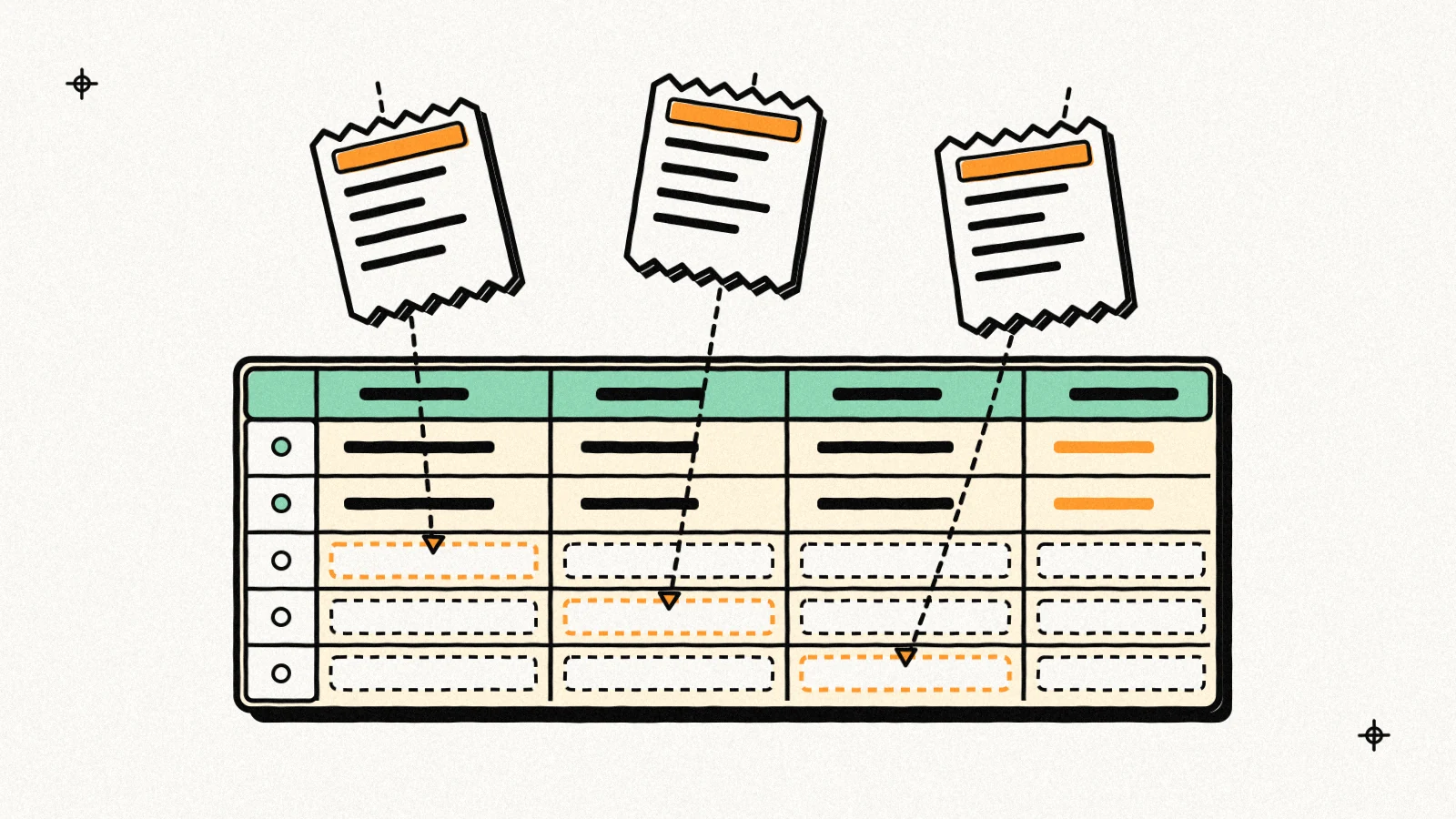
Every finance team has the same job, and it always arrives the same way: “here are this month’s receipts in the expenses folder — put them into the sheet and tell me what does not match the bank statement”. A folder of receipts, a spreadsheet that must be filled, and a total that must match the bank. There are three ways to automate it, and each fails differently.
Option one: a macro
A macro is a recording. It is fast, deterministic and free. It also breaks the moment a column moves, a sheet is renamed or the source file arrives with a different header row. Someone then fixes the macro, and the fix is invisible to everyone else.
Macros are excellent when the input is guaranteed identical. Real receipt folders are not guaranteed identical.
Option two: a workflow tool with an API
Power Automate and its peers are good at moving data between services that expose an API. Excel Online has one. TallyPrime on a local machine, a desktop accounting package, and a legacy ERP generally do not, or expose it only through a paid connector.
That leaves the awkward middle: software people use all day, with no API worth the name. This is where most back-office automation quietly stops.
Option three: a computer-use agent
A computer-use agent operates the application through the same interface a person uses: it opens the file, reads the grid, types into cells and checks the result. It is slower than a macro and far less brittle than one, because it reads the sheet it actually has rather than replaying a recording.
The catch is trust. A flexible program with write access is exactly the thing you should not leave unattended without limits. That is why the design question is not “can it drive Excel” but “what stops it”.
What the job looks like in Saturday
You describe the outcome in your own words: “fill this month’s expense report in Excel from the receipts folder, and flag anything that does not match the card statement”. Saturday reads the folder, extracts date, vendor, category and amount, plans the rows, and opens Excel minimised so your cursor does not jump.
It then reconciles: the sum of the rows it wrote against the total on the card statement. A missing receipt is reported as a gap, not silently treated as zero. When it is about to save over last week’s copy, it stops and names the file, the row count and the effect.
- Approve: the file is written, and the approval is appended to the log with the target path.
- Deny: the file is untouched, Excel is closed, and the refusal is logged just as carefully.
Why the receipt matters more than the result
The output of this job is a spreadsheet, but the deliverable is evidence. An auditor does not ask whether the totals look right; they ask which entries were changed, by what, and on whose authority.
Saturday appends each action to a hash-chained local log using RFC 8785 canonical JSON and HMAC-SHA256. Because each entry hashes the one before it, editing an earlier line breaks every hash after it. With optional Ed25519 signing, an exported bundle verifies offline with only the public key.
When not to use an agent
If the input is truly identical every month, write the macro and keep it. If the software has a good API, use the API. An agent is the right tool for the messy middle: variable inputs, API-less desktop software, and a person who still wants the final say.
The test is simple. Run one month with the agent, then hand the receipt to the person who normally checks the work. If they can follow it without asking you a question, the automation is real.
Questions people ask
Can an AI agent really fill an Excel file?
Yes, through the desktop application or a local file library. Saturday opens Excel in the background, writes the rows, reconciles totals, and stops before saving over an existing file unless you approve it.
Is this safer than a macro?
Different, not automatically safer. A macro is deterministic but brittle. An agent is flexible but must be bounded. Saturday pairs the agent with approval gates, a per-run cap and a hash-chained log so the flexible part is checkable.
Does it work with TallyPrime?
Saturday has a TallyPrime adapter with its own pass/fail checks, in early access. Other software works through the desktop interface or exported files.
Try Saturday on your own machine
Free during the beta · 72 built-in tools · 22 providers (19 cloud, 3 local) · no account needed.